

This morning I received an error I haven’t seen before when trying to open the console of a VM in our ESXi 5.5 environment…. “The VMRC console has disconnected…attempting to reconnect.”
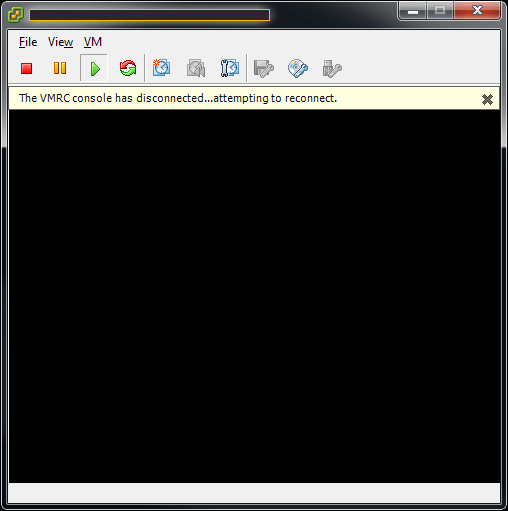
There are two ways to fix this. The easy way is to reboot your computer 🙂 If you would want to avoid a reboot you can do the following:
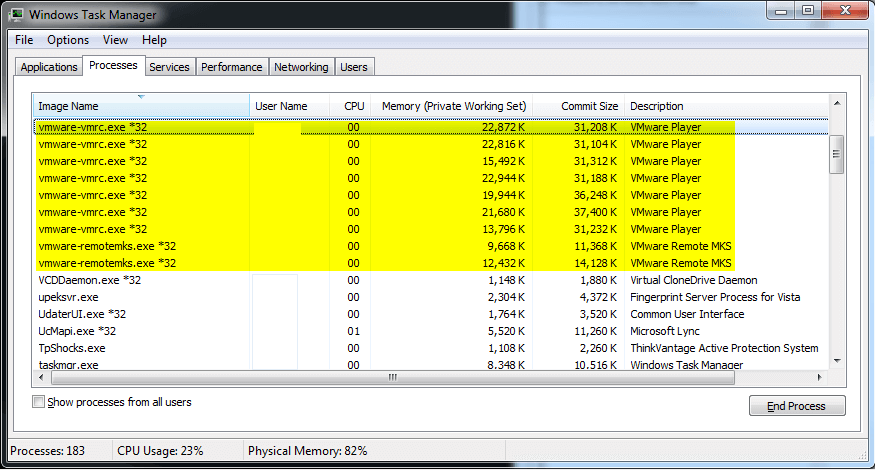
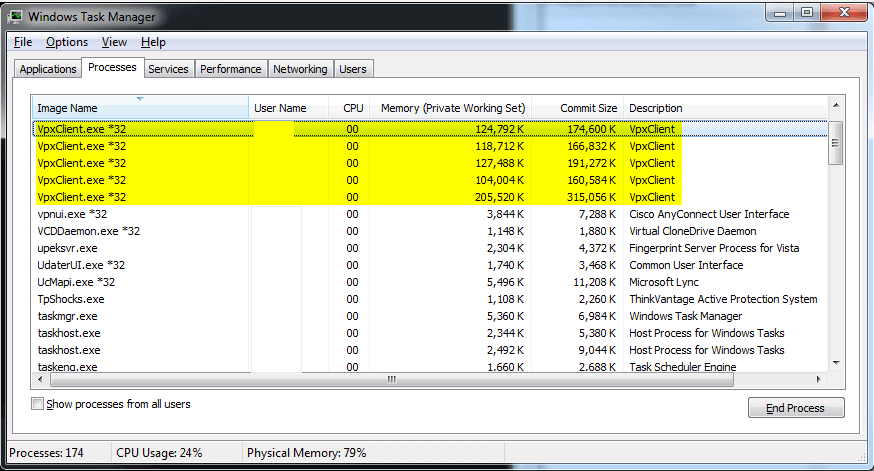
Close out all of your VMware vSphere Clients and open Task Manager. You will want to make sure all processes named “vmware-vmrc.exe“, “vmware-remotemks.exe“, and “vpxclient.exe” are not running. If they are go ahead and end all those processes.
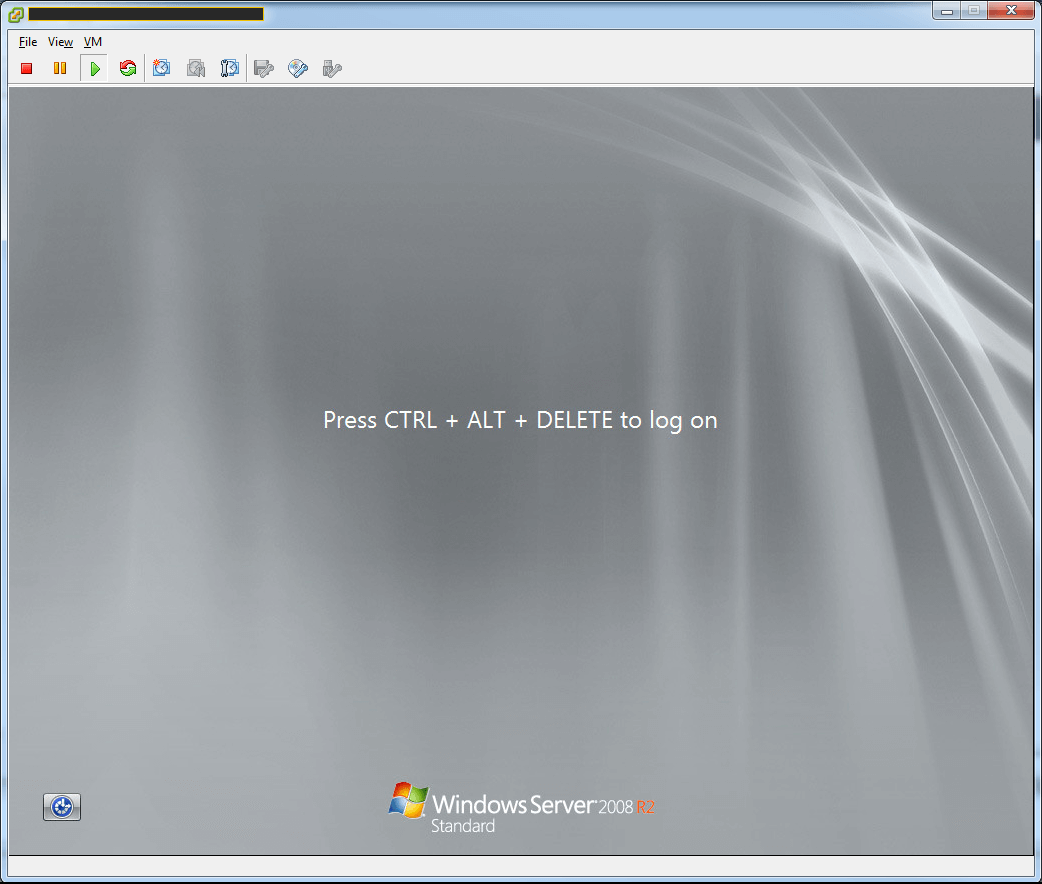
Now open up the vSphere Client, console should now work:
Comment below and let me know what worked for you!