Updated October 2026: Corrected how Cloud-Init behaves when you change its settings on an existing VM, and added several build improvements based on reader feedback and retesting. See the changelog at the end of the post for details.
Ubuntu 26.04 LTS dropped last month, and instead of doing what I’d normally do — build a template, snapshot it, and slowly watch it age — I decided it was finally time to actually dig into Cloud-Init.
If you’ve built Proxmox templates before, you know the drill: create a VM, install the OS, install your packages, sysprep it, convert it to a template, and then clone it every time you need a new box. It works, but every clone inherits whatever state the template was in the day you built it. Packages drift. You’re manually cleaning up machine IDs and SSH host keys after every clone. Spin up ten VMs for a lab build and you’ve got ten rounds of post-boot cleanup ahead of you.
Cloud-Init sidesteps all of that. Instead of a fat, opinionated image, you start with a minimal cloud image — the same kind AWS, Azure, and GCP use under the hood. The image carries no fixed identity. When you clone it and boot it, Proxmox injects your config (username, SSH key, hostname, network settings) via a virtual CD-ROM drive, and Cloud-Init configures the VM from the inside on first boot. Clean machine ID, unique SSH host keys, fully configured — before you even open a terminal.
The real unlock is that your config is a YAML file. Want ten identical VMs? Same file, ten times. Want to add a package or a user? Edit the file. Your infrastructure becomes something you can version, reuse, and actually reason about — instead of a template you’re scared to touch because you don’t remember what’s in it.
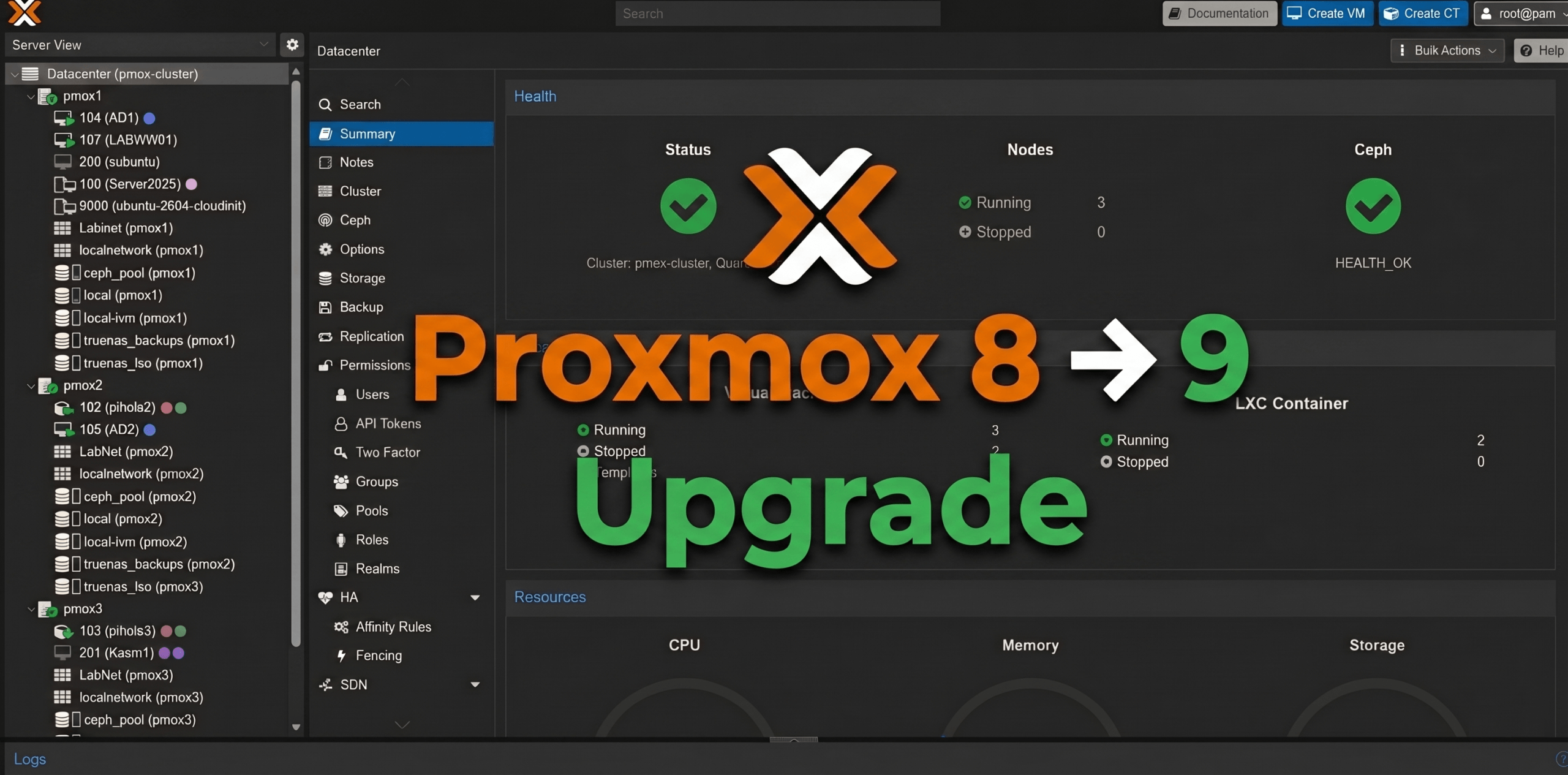
That’s why I built this. Here’s exactly how I did it on Proxmox VE 9.2.3 with Ubuntu 26.04 LTS “Resolute Raccoon.” Still on Proxmox 8? I’d get the cluster current first — here’s how I upgraded my Proxmox cluster from version 8 to 9.
What is Cloud-Init, Actually?
Cloud-Init is the industry-standard first-boot initialization system for cloud images. Instead of manually clicking through an Ubuntu installer and then scrubbing machine IDs and SSH host keys from the image, you start with a pre-built minimal “cloud image” designed to be generic and stateless.
When you clone it and boot it, Cloud-Init reads a small config — hostname, username, SSH key, network settings — that Proxmox injects via a virtual CD-ROM drive. The VM configures itself automatically in seconds. No manual post-boot setup, no configuration drift, no forgotten hostname changes causing weird network issues two weeks later.
One important thing to understand upfront: Cloud-Init’s setup runs once per instance, not on every boot. The Cloud-Init service starts each time the VM boots, but the real work only happens when it sees a new instance. That work includes creating your user, installing your SSH key, generating SSH host keys, applying network settings, and upgrading packages. Proxmox builds the instance ID from the user and network settings in the Cloud-Init tab. Leave those alone, and a reboot doesn’t pull fresh packages or re-apply anything. Change them, regenerate the image, and reboot, and Cloud-Init treats the VM as brand new and runs its setup again. If you want a fresh, fully updated machine, the workflow is to clone the template again, not reboot an existing one. That distinction shapes everything about how you operate day-to-day with Cloud-Init.
Read more…